Azure Solutions Architecture · AZ-305 · Architecture Case Studies · by Raushan Ranjan, MCT
Tailwind Traders wants to add a new feature to their website: allowing customers to upload their own photos of products in use. This seems simple, but it presents three key challenges:
- Unpredictable Traffic: The number of photo uploads will be highly uneven, with bursts of activity followed by long periods of inactivity.
- Required Scanning: Every image must be sent to an existing internal API for scanning to ensure it's appropriate for the website.
- Cost and Management: The company wants to minimize costs and operational overhead, especially since they don't know how popular the new feature will be. They need a hands-on, "pay-as-you-go" solution.
The company needs a simple, reliable, and cost-effective plan to handle this entire workflow.
Part 1: The Best Way - A Serverless, Event-Driven Architecture
We'll design an architecture that is entirely serverless, meaning we won't have to manage any virtual machines or servers. This approach is perfect for handling the unpredictable workload because the services will automatically scale up and down as needed.
The Analogy - A Digital Mailroom 📬
Imagine a digital mailroom. Instead of a single, overworked clerk handling every piece of mail, we'll set up a system that automates the entire process.
- The Mailbox (Azure Blob Storage): This is a huge, limitless storage area where customers can drop off their images. The mailbox itself doesn't do any processing; it just holds the mail.
- The Mail Sorter (Azure Event Grid): This is an automated sensor that is always watching the mailbox. The instant a new image arrives, it sends a tiny, digital notification to the rest of the mailroom. It doesn't send the entire image, just a note that says, "A new item just arrived at this address."
- The Processing Station (Azure Functions): These are small, robotic workers that sit idle until the mail sorter sends a notification. When they get a note, a robot wakes up, grabs the image from the mailbox, and runs the scanning process. We can have one robot or a hundred, depending on how many images arrive. They only work when there's work to be done.
- The Delivery Service (Another Azure Function): Once the scanning robot finishes its job, it sends a message to another robotic worker. This one's job is to send an email to the customer and update the website's database. This final step is also automatic and hands-off.
Step 2: Designing the Solution with Azure Services
-
Where should the images be stored?
Images should be stored in Azure Blob Storage. It is the ideal service for storing unstructured data like images. It is highly scalable, extremely durable, and has multiple tiers that allow us to minimize costs. We would use the "Hot" tier for images that are frequently viewed and the "Cool" tier for those that are less popular, optimizing storage costs.
-
How will you ensure that all images are scanned?
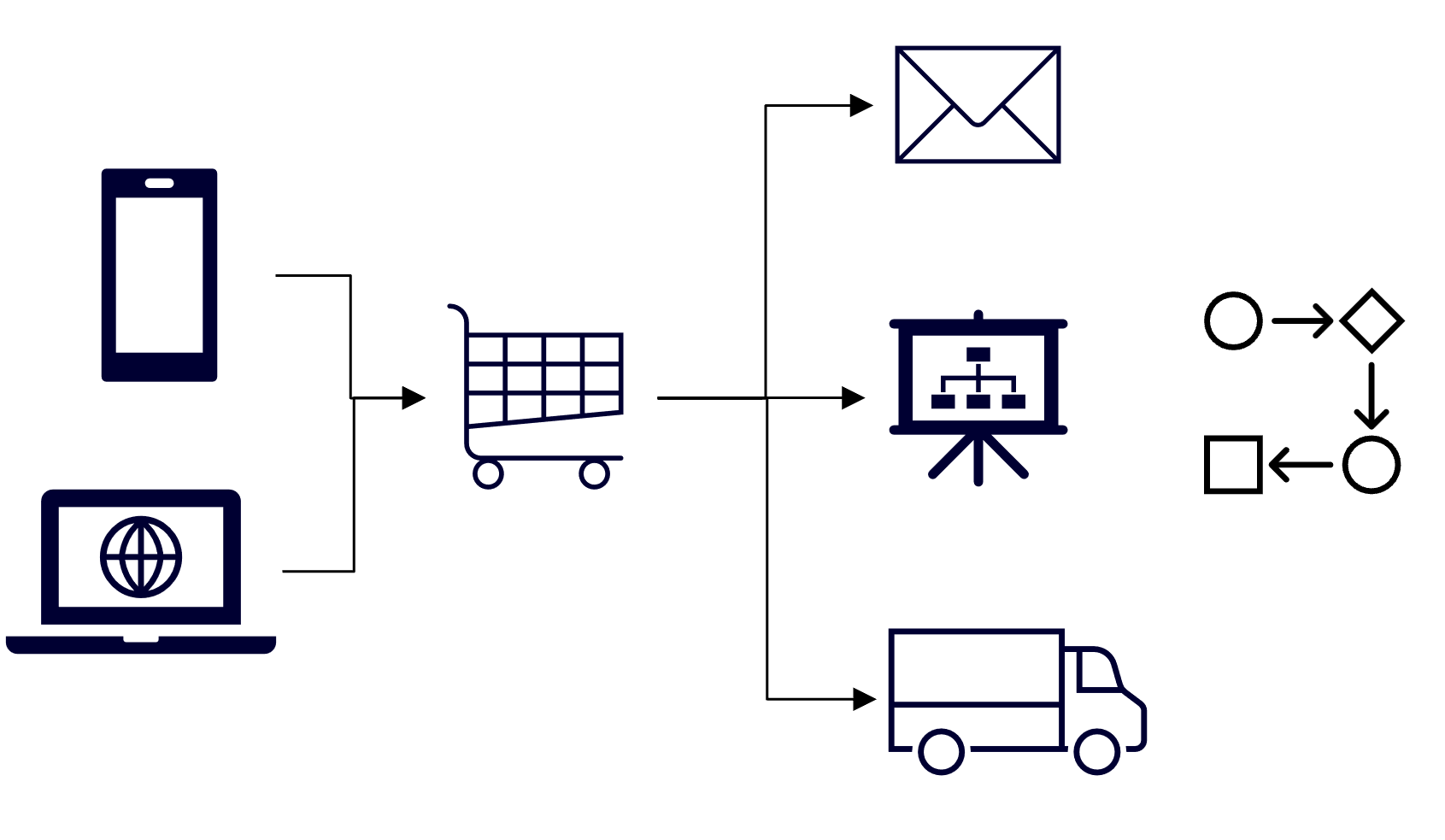
The moment an image is uploaded to Azure Blob Storage, an event is published via Azure Event Grid. This event triggers an Azure Function. The Azure Function is the "worker" that calls the in-house scanning API. By using Azure Functions with an Event Grid trigger, the system can handle a massive, unpredictable number of image uploads. If a thousand images are uploaded in a single minute, Azure Functions will automatically scale out by creating more instances to handle the workload concurrently, ensuring every image is processed. The asynchronous, decoupled nature of this design prevents the system from being overwhelmed.
-
How will the customer be notified?
After the in-house scanning API responds with an "approved" status, the same Azure Function that handled the scanning will trigger a second action. This action will send a message to a messaging service like Azure Service Bus or another communication service. Another Azure Function, dedicated to sending notifications, will be triggered by the new message on the Service Bus. This function will then use a service like Azure Communication Services to send an email to the customer thanking them for the image submission. This two-stage process ensures that the scanning and notification are separate concerns, improving the overall reliability of the system.
Part 2: Two Distinct Solutions
Option A (The Best Way): The Serverless, Event-Driven Solution
This is the solution described above. It leverages fully managed services that operate on a pay-as-you-go model.
- Cost-Effective: You only pay when code is actually running. When no one is uploading images, the costs are virtually zero. This is ideal for an unproven feature.
- Scalability: The system scales automatically from zero to thousands of instances in seconds to handle any sudden spike in uploads without manual intervention.
- Management: There is no infrastructure to manage. Microsoft handles all server maintenance, patching, and scaling, freeing up the Tailwind Traders team to focus on development.
Option B (The Less Efficient Way): The Traditional Virtual Machine Solution
This approach would involve a traditional server running on an Azure Virtual Machine.
- Cost: The virtual machine would have to run 24/7 to be ready for any upload, regardless of traffic. This would lead to significant, wasted costs during low-traffic periods.
- Scalability: Handling a sudden traffic spike would be difficult. Auto-scaling for virtual machines can be slow and complex to configure. If the surge is too great, the system could fail, and images could be lost.
- Management: The Tailwind Traders team would be responsible for managing the VM's operating system, security patches, and application runtime, adding significant operational overhead.
Conclusion: The serverless, event-driven solution (Option A) is clearly superior as it directly addresses every requirement of the case study in the most efficient way possible.
Incorporating the Well-Architected Framework
This design integrates the core pillars of the Azure Well-Architected Framework:
- Cost Optimization: By using serverless services and a pay-as-you-go model, the solution's cost directly correlates with usage, eliminating wasted spending on idle infrastructure.
- Performance Efficiency: The asynchronous, event-driven architecture ensures that the system remains responsive, even during peak loads. The queue-based design acts as a buffer, preventing the scanning API from being overwhelmed.
- Reliability: The use of a decoupled architecture with a durable queue means that if any part of the system fails (e.g., the scanning API is down), the messages will wait in the queue and be processed once the service is restored, guaranteeing that no image is ever lost.
- Operational Excellence: The solution minimizes manual work. All scaling, maintenance, and monitoring are handled by Azure, which simplifies operations and reduces human error.
- Security: Images are stored securely in a private Blob Storage account. The Azure Functions are triggered by secure events, and communication with the internal API is handled within the trusted Azure network.